Plugins Overview
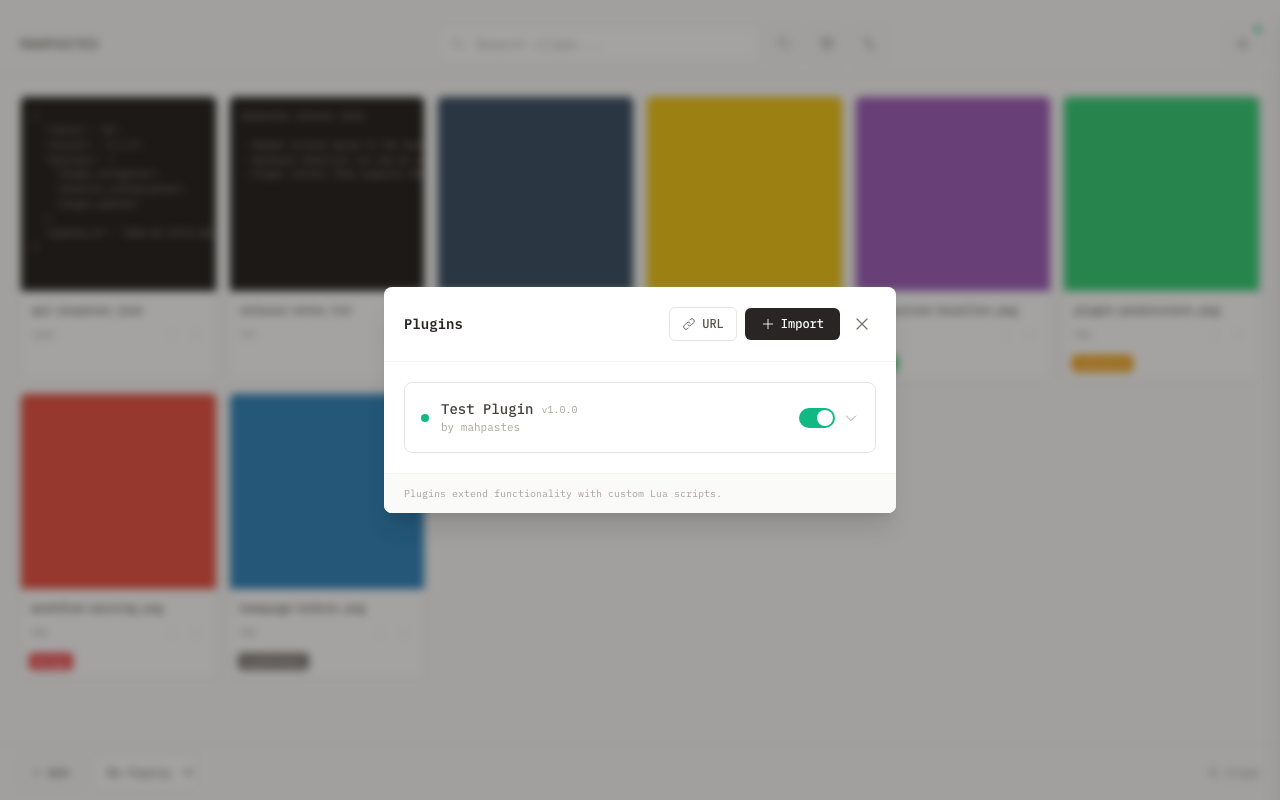
Extend mahpastes with Lua plugins that automate workflows, integrate with external services, and customize behavior.
What Plugins Can Do
Automate Workflows
- Auto-tag clips based on content or source
- Move clips to archive after processing
- Clean up old clips on a schedule
Integrate with Services
- Sync clips to cloud storage (Dropbox, S3)
- Send notifications via webhooks
- Post to APIs when clips are created
Transform Content
- Compress images automatically
- Format or validate JSON/code
- Extract text from images (via external APIs)
React to Events
Plugins respond to app events:
- Clip created, deleted, archived
- File detected in watch folder
- Tags added or removed
Run Scheduled Tasks
Periodic tasks run in the background:
- Hourly cleanup of old clips
- Daily sync to backup location
- Periodic health checks
How Plugins Work
Single-File Architecture
Each plugin is a single .lua file containing:
- A manifest declaring metadata and permissions
- Handler functions responding to events
- Scheduled tasks running periodically
Sandboxed Execution
Plugins run in a sandboxed Lua environment:
- No access to system commands or dangerous globals (
dofile,loadfile,load,loadstring,rawequal,rawget,rawset,getmetatable,setmetatable,collectgarbage) - Network requests restricted to declared domains (100 requests/min, 50MB response limit)
- Filesystem access requires user approval (50 ops/min, 50MB file size limit)
- 30-second execution timeout per handler (5 minutes for async UI actions)
- 50MB memory limit per plugin
- Auto-disabled after 3 consecutive handler errors
Permission Model
Before a plugin can:
- Make HTTP requests — Must declare allowed domains in manifest
- Read/write files — Must declare intent; user approves specific folders
- Write to clipboard — Must declare
clipboard = truein manifest - Access clips/tags — Always allowed (core functionality)
Example Use Cases
| Use Case | Events | APIs Used |
|---|---|---|
| Auto-tag screenshots | clip:created | tags, clips |
| Webhook notifications | clip:created | http, storage |
| Periodic cleanup | Scheduled (hourly) | clips |
| Watch folder organizer | watch:import_complete | tags, clips |
| Cloud backup | clip:created | http, clips |
Getting Started
- Users: See Installing Plugins to add plugins
- Developers: See Writing Plugins to create your own