Download Queue
Queue up to 100 URLs for background download. Concurrency is the shared background-job budget set by -max-job-concurrency (default 6), with real-time progress via Server-Sent Events.
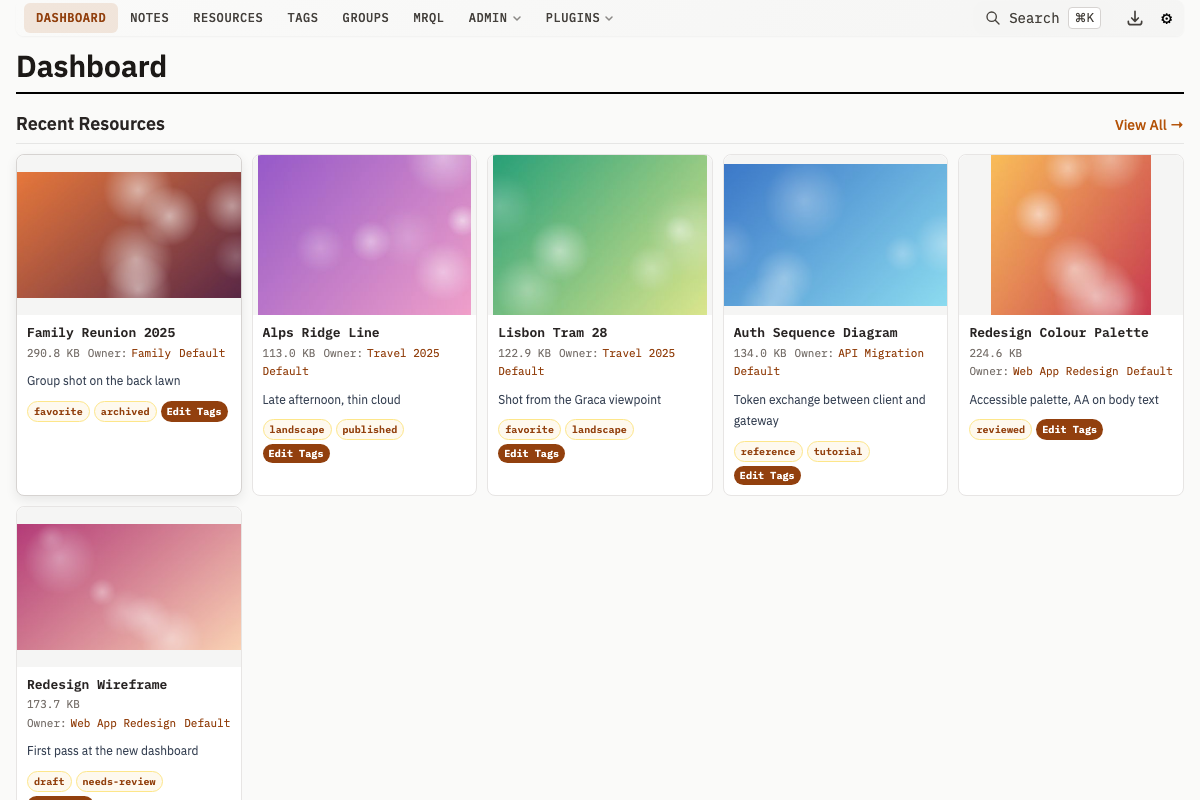
How It Works
When you submit a URL for download:
- A job is created and added to the queue
- The download starts in the background (once a slot in the shared job concurrency budget is free)
- Progress is tracked and broadcast via Server-Sent Events (SSE)
- On completion, a Resource is created from the downloaded file
Queue Limits
| Setting | Value |
|---|---|
| Max concurrent jobs | -max-job-concurrency (default 6, shared with group export and import) |
| Max queue size | 100 (counts export and import jobs too) |
| Job retention (completed) | 1 hour |
| Job retention (paused) | 24 hours |
When the queue is full, completed jobs are evicted first (oldest first), then failed/cancelled jobs. Active and paused jobs are never evicted.
Download history
A finished job whose source is download is also written to a durable history row, listed at /downloads. That row survives the 100-job cap, the one-hour eviction sweep and a restart. Group export, import and plugin action jobs stay memory-only: they have no URL to retry and their artifacts have their own retention.
- Every non-admin principal sees only the rows it submitted.
- Retry re-runs the row in place when its job is still in the queue, and otherwise resubmits it from the stored payload, re-validated against the retrying principal's own scope. It is refused for a completed row, and while any queued or running job is already fetching the same URL.
- Delete removes the queue entry along with the row, so the SSE stream's
initreplay cannot resurrect it. - A restart records whatever was downloading or paused as cancelled, so it stays retryable afterwards.
See Downloads page for the UI, and Runtime Settings for the retention windows.
Plugin download pacing and deferral
A plugin can throttle only the downloads it submits through mah.download.submit
by declaring download_limits in its manifest:
plugin = {
  api_version = 1,
  capabilities = { "db:write" },
  network = { "*.example.com" },
  download_limits = {
    { host = "*.example.com", concurrency = 2, min_interval = "5s", backoff = "60s" },
  },
}
host uses the same grammar as the plugin network allowlist. The first
matching rule wins. concurrency limits this plugin's jobs for that rule;
leaving it out means unlimited concurrency for the rule. min_interval
spaces job starts, and backoff pauses later matching jobs after the submitted
URL answers 429 or 503; Retry-After is honored when present and clamped
to the declared backoff ceiling. A zero or absent backoff disables that part.
All waits happen before the shared job semaphore, so one throttled domain does
not occupy the deployment-wide download slots while it sleeps.
This is a job-level gate. One HLS download may still fetch segments in
parallel according to -hls-concurrency, and segment-level 429 handling stays
inside the HLS fetcher. Generic jobs (exports, imports and plugin action jobs)
do not enter this gate because they have no submitted remote URL. The pacing
state is process-local memory: a restart forgets last-start and backoff timing,
while durable permissions and download history remain in the database.
mah.download.submit can also defer a single host download with { delay = "2h" } or { start_at = <unix seconds> }, one or the other. A delay must
satisfy 0 <= delay <= 30 days; an absolute start_at must be in the
future and has no upper bound. The row is durable and survives a restart, but
it is not a resident queue job until it is due; keeping future work out of the
in-memory queue avoids the 100-job cap and pending-job eviction rules. The
plugin scheduler tick claims due rows, re-validates the plugin and submitting
user, and submits the ordinary queue job. If the submitting user is deleted before a pending row fires, the
row becomes ownerless and is never claimed. Pending rows can be inspected with mr plugin scheduled-downloads <name> and
cancelled through the admin-only POST /v1/plugin/scheduled-downloads/cancel endpoint.
Streaming playlists (HLS)
A URL that returns an HLS playlist is assembled rather than stored. The server fetches the playlist, picks the highest-bandwidth rendition of a master playlist, downloads every segment, and muxes them into a single MP4 with ffmpeg. The resource that lands is the video, not the few kilobytes of text that listed it.
This applies wherever the server fetches a URL for you: the download queue, the
remote-resource form, POST /v1/resource/remote, the mr CLI, and a plugin's
mah.db.create_resource_from_url. Nothing needs to be enabled, and a playlist
is recognised from its content rather than from an .m3u8 extension, because
these URLs are usually generated endpoints with no extension at all.
Progress is reported through the job's phase counters (downloading segments 42/380, then assembling video) rather than its byte counters, since the size
of a stream is not known until its last segment has arrived.
Every segment and key is fetched by the server itself, through the same policy the submitted URL was checked against — see Where downloads may point. ffmpeg is handed local files only and cannot open a network connection, so a playlist cannot be used to reach an address the deployment does not allow.
What is refused, and why the message says so rather than failing obscurely:
| Case | Reason |
|---|---|
A live stream (no #EXT-X-ENDLIST) | Its segment window slides, so a download would capture an arbitrary clip of whatever was current, not the broadcast |
DRM (SAMPLE-AES, FairPlay, Widevine, PlayReady) | The content is licensed; this is not a missing parser |
A playlist naming a file: or other non-HTTP URL | The fetch policy checks addresses, not schemes |
| More segments or bytes than the deployment allows | -hls-max-segments (default 5000) and -hls-max-bytes (default 16 GiB) |
| No ffmpeg on the server | Reported before any segment is downloaded, so a doomed transfer is not paid for |
AES-128 encrypted playlists are supported: the key is fetched through the same
policed client and handed to ffmpeg as a local file. So are streams whose audio
is a separate rendition (#EXT-X-MEDIA), which are downloaded and muxed in --
without that the result would be a silent video that plays perfectly.
-hls-concurrency (default 4) sets how many segments are fetched at once.
-hls-temp-dir sets where the assembly works. It defaults to the system temp
directory, which in most container images is the root filesystem -- and an
assembly holds every segment plus the finished video, so a long recording wants
a multiple of its own size somewhere that has it. It also covers the copy made
while the finished file is stored, since assembling onto a media volume and then
copying to the root filesystem is the same problem one step later.
Job Lifecycle
Each download job goes through these statuses:
| Status | Description |
|---|---|
pending | Queued, waiting for a download slot |
downloading | Actively downloading the file |
processing | Download complete, creating the Resource |
completed | Resource created successfully |
failed | An error occurred |
cancelled | Cancelled by user |
paused | Paused by user (can be resumed) |
Job Operations
- Cancel -- Stop a pending, downloading, processing or paused job
- Pause -- Pause a pending or downloading job (can be resumed later)
- Resume -- Resume a paused job (restarts the download from the beginning)
- Retry -- Retry a failed or cancelled job
Submitting Downloads
Single URL
POST /v1/jobs/download/submit
Content-Type: application/json

{
  "url": "https://example.com/file.pdf",
  "name": "My Document",
  "ownerId": 123,
  "tags": [1, 2]
}
Legacy alias: POST /v1/download/submit
Multiple URLs
Submit multiple URLs separated by newlines in the url field. Each URL becomes a separate job in the queue.
Timeout Configuration
Remote download timeouts are configurable via command-line flags or environment variables:
| Flag | Env Variable | Default | Description |
|---|---|---|---|
-remote-connect-timeout | REMOTE_CONNECT_TIMEOUT | 30s | Timeout for establishing a connection |
-remote-idle-timeout | REMOTE_IDLE_TIMEOUT | 60s | Timeout when the remote server stops sending data |
-remote-overall-timeout | REMOTE_OVERALL_TIMEOUT | 30m | Maximum total time for a download |
-remote-user-agent | REMOTE_USER_AGENT | browser-like | User-Agent every request this server makes on your behalf sends |
The same four values are also runtime-editable at /admin/settings, and the queue reads them at the start of every download, so a change applies without a restart.
Request headers
The server identifies itself with a browser-like User-Agent, because some
media endpoints answer Go's default with HTTP 403. Set -remote-user-agent (or
the runtime remote_user_agent) to send something else; it applies to the
synchronous remote upload, the download queue, every HLS playlist, key and
segment beneath them, and the calendar block's ICS fetch.
One download can also carry extra headers of its own — a Referer or a
Cookie a particular endpoint wants. They are accepted as a headers object
on the JSON body of POST /v1/download/submit and POST /v1/resource/remote,
and as a headers option on the plugin calls mah.download.submit and
mah.db.create_resource_from_url:
mah.download.submit("https://example.com/media/123", {
  owner_id = 42,
  headers = { Referer = "https://example.com/watch/123" },
})
Three rules govern them:
- A
User-Agentamong them replaces the deployment's, for the whole download. An endpoint that refuses one agent refuses it on its CDN too, so binding it to the submitted host would fix the playlist and leave every segment failing. It names the fetcher rather than the user, which is why it is safe on any host — which also means it is the wrong place for a secret. Put anything that must not travel in a header of its own, which stays bound to the submitted origin. - Every other header is sent to the submitted URL's own host and nowhere
else. An HLS
playlist names further URLs, and the host fetch policy permits any public
host, so replaying a
Cookieonto whatever a playlist says would hand your credential to a server the content chose. TheUser-Agenthas no such restriction: it identifies the fetcher, not you. - Connection-level headers are refused —
Host,Content-Length,Connection,Keep-Alive,Transfer-Encoding,Upgrade,TE,Trailerand the wholeProxy-*family — along withRange, which the HLS assembler sets itself per byte range. So are two spellings of one header (Cookieandcookie), which would otherwise resolve by map order. The refusal happens when you submit, not when the transfer runs. - Headers follow the origin, not just the host. A redirect from
httpsto the same name over plainhttpis a downgrade, and the caller's headers stay behind rather than going out in clear. - They are stored on the download history row so a retry replays them, and a stored credential outlives the browser tab you typed it into. The payload is never rendered to a page, but it is in the database until the row is swept.
Headers travel on JSON bodies only. The create-resource form posts no header map.
History retention
| Flag | Env Variable | Default | Description |
|---|---|---|---|
-download-failed-retention | DOWNLOAD_FAILED_RETENTION | 168h | How long a failed or cancelled download stays in the download history |
-download-history-retention | DOWNLOAD_HISTORY_RETENTION | 24h | How long a completed download stays in the download history |
-download-cockpit-limit | DOWNLOAD_COCKPIT_LIMIT | 10 | How many finished downloads the jobs panel renders |
All three are editable at runtime via /admin/settings. A zero value falls back to the default rather than expiring on write.
Where downloads may point
A download URL is supplied by a user and fetched by the server, so the queue
refuses any URL that resolves to a private address -- loopback, link-local
(including the cloud metadata endpoint), RFC1918 and carrier-grade NAT. Public
hosts are unaffected, except 168.63.129.16, Azure's host-internal
platform-agent endpoint, which is refused like a private address despite being
numbered out of public space.
To download from your own network, name the addresses with
-allow-private-fetch; see
Fetching from your own network.
A download refused this way fails with a "blocked request" error that
deliberately does not name the address the URL resolved to -- the submitter is not
told which internal addresses exist. The full detail, including the resolved
address, is written to the activity log for administrators.
API Endpoints
Legacy Download-Specific Aliases
| Method | Path | Description |
|---|---|---|
POST | /v1/download/submit | Submit download URL(s) |
GET | /v1/download/queue | List all download jobs |
POST | /v1/download/cancel | Cancel a download (id) |
POST | /v1/download/pause | Pause a download (id) |
POST | /v1/download/resume | Resume a paused download (id) |
POST | /v1/download/retry | Retry a failed download (id) |
GET | /v1/download/events | SSE event stream (downloads and plugin action jobs) |
Unified Job Routes
These are the canonical routes. Plugin action jobs appear only in the SSE event stream, not in the queue endpoint.
| Method | Path | Description |
|---|---|---|
POST | /v1/jobs/download/submit | Submit download URL(s) |
GET | /v1/jobs/queue | List download jobs |
POST | /v1/jobs/cancel | Cancel a download |
POST | /v1/jobs/pause | Pause a download |
POST | /v1/jobs/resume | Resume a download |
POST | /v1/jobs/retry | Retry a download |
GET | /v1/jobs/get | Return one job snapshot by id |
POST | /v1/jobs/clearCompleted | Dismiss every finished job (completed, failed, cancelled) |
GET | /v1/jobs/events | SSE event stream (all job types) |
Download history
| Method | Path | Description |
|---|---|---|
GET | /v1/downloads | List persisted download history rows |
POST | /v1/downloads/retry | Retry history rows by id |
POST | /v1/downloads/delete | Delete history rows by id, and their queue entries |
SSE Event Format
On connect, the server sends an init event with the full current state of all jobs:
event: init
data: {"jobs":[...],"actionJobs":[...]}
Subsequent events use SSE event names (added, updated, removed) with JSON data:
event: added
data: {"type":"added","job":{"id":"abcd1234","status":"pending","url":"https://example.com/file.pdf"}}

event: updated
data: {"type":"updated","job":{"id":"abcd1234","status":"downloading","progress":45}}

event: removed
data: {"type":"removed","job":{"id":"abcd1234","status":"completed"}}
Each event data contains:
type--"added","updated", or"removed"job-- The full job object with current status, progress, and metadata
Download progress updates are throttled to one event per 500ms per job.
The /v1/download/events and /v1/jobs/events endpoints serve identical streams. Both merge download job events and plugin action job events into a single SSE connection.