Introduction
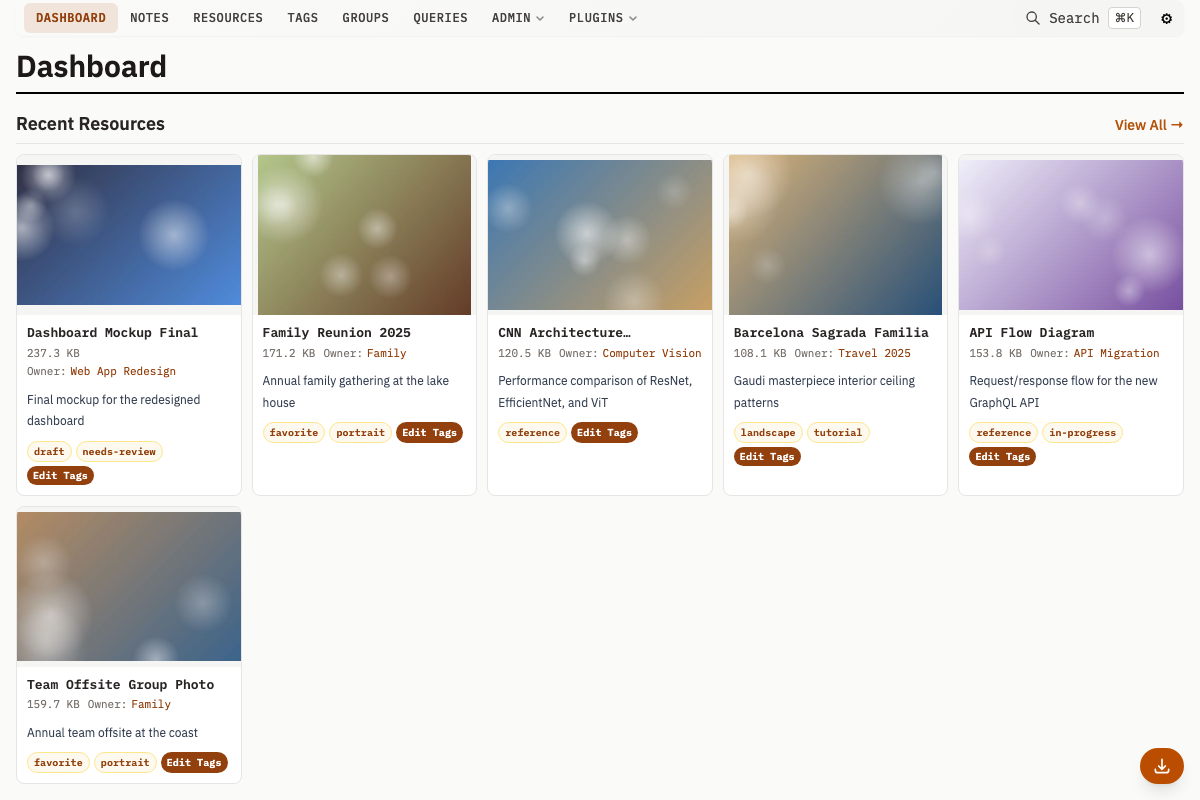
Mahresources is a self-hosted system for storing files, writing notes, and linking them together. It runs as a single Go binary with SQLite or PostgreSQL, and serves a web UI for browsing, searching, and editing everything.
What is Mahresources?
Files (called Resources), Notes, and Groups are stored in a database with tracked relationships and full-text search. Groups nest inside each other and contain any mix of Resources and Notes. Tags and Categories provide additional ways to classify items across Groups.
Key Features
- File storage with thumbnails -- Store any file type. Images, videos, and Office documents get automatic thumbnails (videos require FFmpeg, documents require LibreOffice).
- Notes -- Create text notes and link them to specific Resources and Groups.
- Nested Groups -- Groups contain Resources, Notes, and other Groups, forming a hierarchy.
- Tags and Categories -- Tag any entity. Categories define types for Groups (e.g., "Person", "Project").
- Full-text search -- FTS5 (SQLite) or tsvector (PostgreSQL) search across all content, accessible via Cmd/Ctrl+K.
- Image similarity -- Perceptual hashing finds visually similar images automatically.
- Resource versioning -- Track versions of a Resource over time.
- Saved queries -- Store and re-run raw SQL queries. For database-level write protection, configure
DB_READONLY_DSNas a read-only connection. - Group relations -- Define typed relationships between Groups (e.g., "works at", "belongs to").
- Note blocks -- Structured content blocks within Notes: text, heading, divider, gallery, references, todos, table, and calendar. Plugins can register additional block types.
- Note sharing -- Generate share tokens for individual Notes and serve them on a separate read-only HTTP server.
- Series -- Group Resources with shared metadata (e.g., pages of a scanned document).
- Download queue -- Queue remote URL downloads with progress tracking via the Download Cockpit UI.
- Activity log -- Tracks create, update, delete, and plugin operations across all entities.
- Custom templates -- Categories and Note Types support custom HTML templates (header, sidebar, summary, avatar) rendered with Pongo2.
- Meta schemas -- Define JSON Schemas on Categories and Resource Categories to validate and generate structured metadata forms.
- Plugin system -- Lua plugins that intercept create/update/delete operations, add custom pages, run background jobs, perform full entity CRUD (
mah.db.create_*,mah.db.update_*,mah.db.delete_*), and store per-plugin data via a key-value store (mah.kv.*). - Paste upload -- Paste images or text from the clipboard (Cmd/Ctrl+V) to create Resources with a preview-and-tag modal workflow.
- JSON API -- Every page has a JSON equivalent (
Accept: application/jsonor.jsonsuffix) for scripting and integration.
There is no authentication or authorization. Run it on a private network only.
Do not expose it to the internet. For remote access, put it behind a reverse proxy with authentication (nginx + basic auth, OAuth2 Proxy, Authelia, etc.).
Who is This For?
Anyone who wants to store files and notes locally, link them together, and search across them without a cloud service. Common uses: research material management, personal knowledge bases, and file archiving with metadata.
Getting Started
Install Mahresources to get started.